
Consulting Balance Sheet Templates
Personalize Consulting Balance Sheet Templates online with DocHub flexible editing capabilities. Develop and organize your financial statements all in one location without jeopardizing your data and safety.

Create a new Consulting Balance Sheet Template
Editable meal plan template
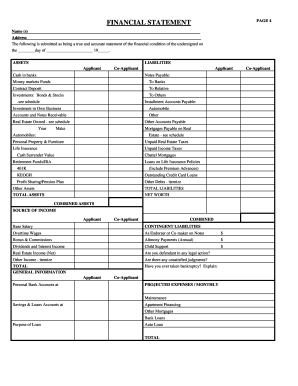
Rebny financial statement
Apartment make ready checklist
Help with filling out schedule c
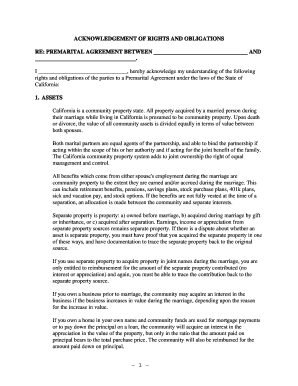
Prenuptial agreement template california

Pre service check in sheet
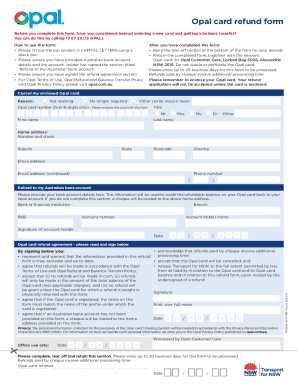
Opal refund form
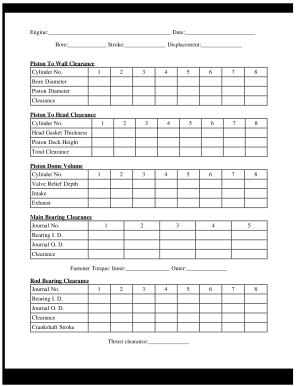
Engine build sheet

Aashto internal control questionnaire
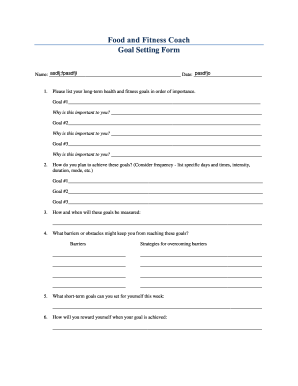
Fitness goal setting worksheet pdf
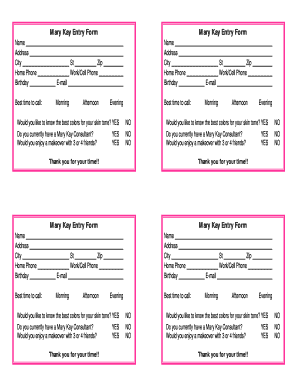
Mary kay printables
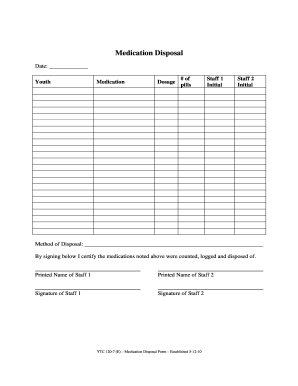
Printable medication disposal log
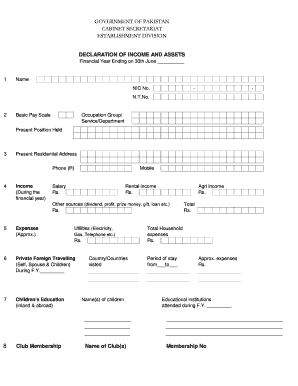
Declaration of income and assets
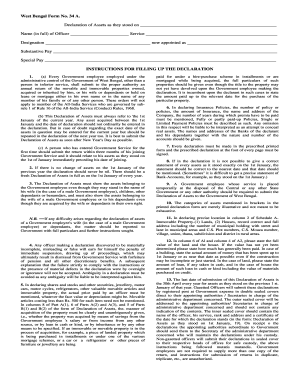
Asset declaration form
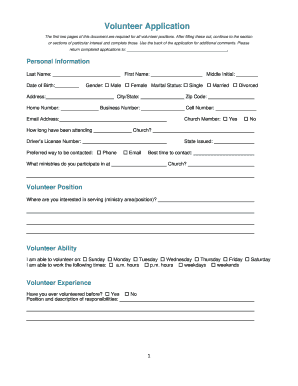
Church forms

Toyota lease agreement pdf
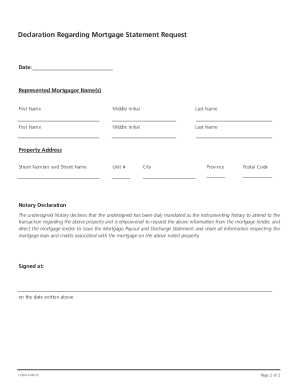
Scotiabank payout request
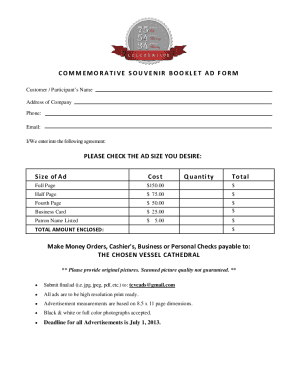
Souvenir booklet ad template
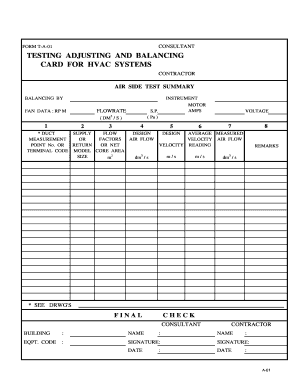
FORM T-A-01 TESTING ADJUSTING AND BALANCING CARD FOR HVAC

Income tax preparation for your mary kay business - Facts-5
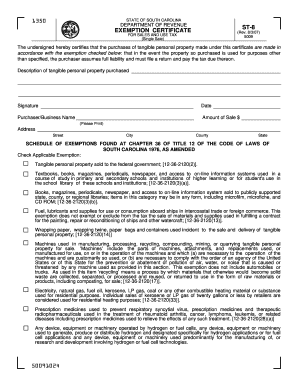
EXEMPTION CERTIFICATE ST-8 ST-8

2013 Financial Disclosure Form - Office of The New Mexico ...
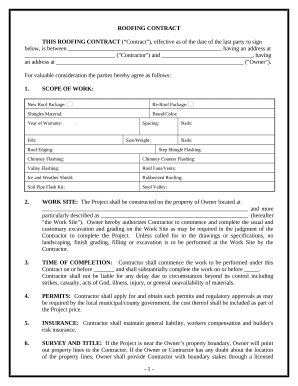
Fill in blank printable roofing contract template
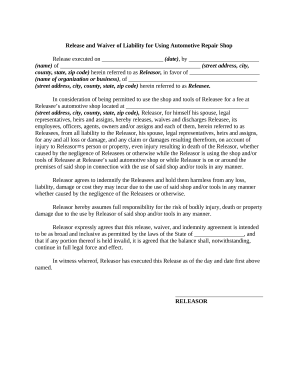
Waiver injury form template

Dj contract pdf
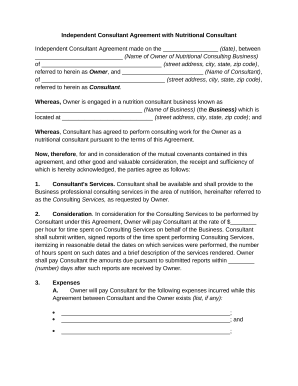
Consultant agreement with

Letter tenant landlord sample
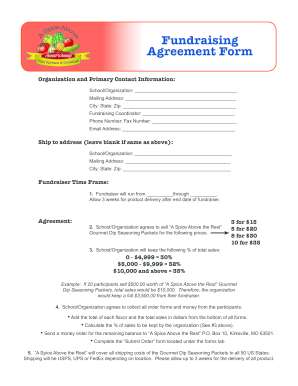
Fundraising Agreement Form - spiceabovetherestcom
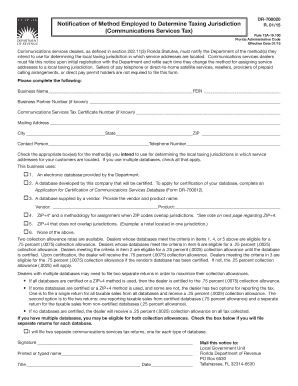
Communications Services Tax - Florida Department of Revenue
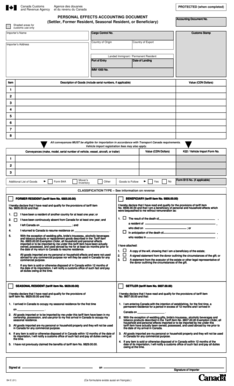
Personal effects accounting document example
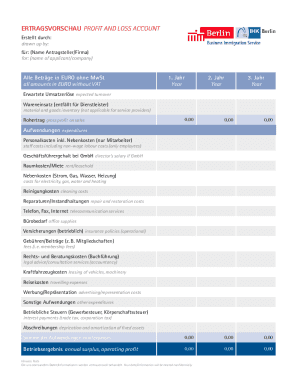
ERTRAGSVORSCHAU PROFIT AND LOSS ACCOUNT
Hunter Benefits Consulting GroupQualified Retirement Plan
QUARTERLY ESTIMATE Local Earned Income Tax
Supercharge your productivity with Consulting Balance Sheet Templates
Form administration consumes to half of your business hours. With DocHub, you can reclaim your time and enhance your team's efficiency. Access Consulting Balance Sheet Templates category and discover all form templates relevant to your daily workflows.
Effortlessly use Consulting Balance Sheet Templates:
- Open Consulting Balance Sheet Templates and apply Preview to obtain the suitable form.
- Click on Get Form to begin working on it.
- Wait for your form to open in the online editor and begin editing it.
- Add new fillable fields, symbols, and pictures, modify pages, and many more.
- Complete your file or set it for other contributors.
- Download or share the form by link, email attachment, or invite.
Speed up your daily file administration with the Consulting Balance Sheet Templates. Get your free DocHub profile right now to explore all templates.
Video Guide on Consulting Balance Sheet Templates management

Commonly Asked Questions about Consulting Balance Sheet Templates
How do you make a balance sheet for a firm?
Heres one common example of how to structure your balance sheet: Assets section in the top left corner. Liabilities section in the top right corner. Owners equity section below liabilities. Total assets category at the bottom of the balance sheet. Combined total liabilities and owners equity category under total assets.
Is there a balance sheet template in Excel?
The Balance Sheet Template for Excel is a pre-designed spreadsheet that allows users to enter their companys financial information, including assets, liabilities, and equity. This template is useful for businesses of all sizes, as it can be customized to fit each companys specific needs.
How to make a balance sheet in Excel template?
Preparing a balance sheet involves several steps: Gather Financial Information: Gather all your financial data, including assets, liabilities, and equity. Organize Assets: Here is the list of all assets, including current assets (cash, inventory) and non-current assets (property, equipment).
Does Excel have a financial statement template?
A: Yes. Excel has a range of financial templates, including income statements, cash flow statements, and balance sheets.
How do I create a balance sheet in sheets?
Creating a balance sheet on a spreadsheet involves: Setting up three main sections: Assets, Liabilities, and Shareholders Equity. Under each section, list the respective items and their values. Ensure that the equation Assets = Liabilities + Shareholders Equity holds true.
Does Excel have financial templates?
Creating a budgeting plan for your household can feel overwhelming and hard, but Excel can help you get organized and on track with a variety of free and premium budgeting templates.
How do you prepare a balance sheet for a service company?
Take a financial inventory of your service companys assets, or everything it owns. Itemize your assets into current and non-current assets. List the assets for your service company on the balance sheet. Identify and list your service companys liabilities.
Does Excel have a bookkeeping template?
Those who havent used Excel before or arent familiar with its features can download Excel bookkeeping templates online. Once you create or download templates, you can use them as a basis for more advanced account-related tasks like basic financial statements, forms, receipts, reports, etc.
Related Templates
Pennsylvania landlord form
The document is a landlord statement requesting verification of rental information for a tenant applying for an energy a ...

Florida Residential Lease AgreementLandlord Lease Forms
The document is a Month-to-Month Lease Agreement for a rental property in South Dakota, outlining the terms and conditio ...
Tennessee Rental Lease Agreement Template 2021PDF & DOC
The document is a Tennessee Month-to-Month Lease Agreement outlining the terms and conditions between a Landlord and Ten ...
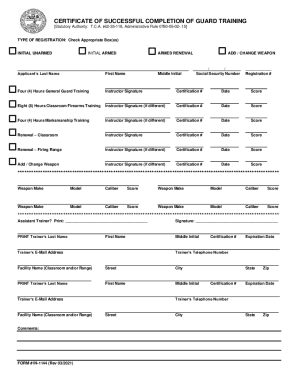
Certificate of Successful Completion of Guard Training
The document is a Certificate of Successful Completion for Guard Training, detailing the training requirements and score ...

Oklahoma odh form
The document outlines the Employer Instructions for using the ODH Form 805, a Uniform Employment Application specificall ...
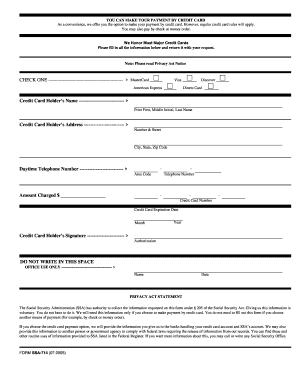
Ssa 714
The document outlines the process for making payments via credit card to the Social Security Administration (SSA), detai ...
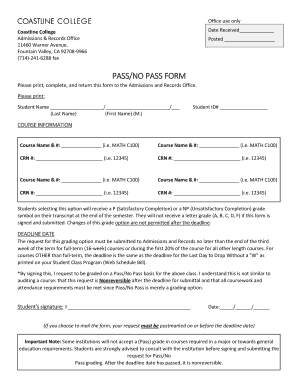
College pass no form
The document is a Pass/No Pass form for Coastline College, allowing students to opt for a P (Satisfactory Completion) or ...
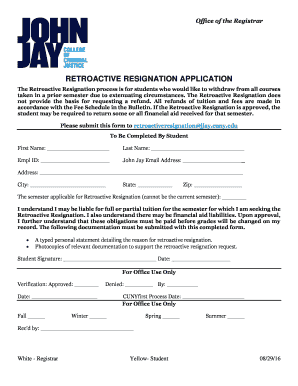
Retroactive resignation
The document outlines the process for students to apply for a Retroactive Resignation, allowing them to withdraw from al ...