
Account reconciliation Balance Sheet Templates
Obtain ready-made Account reconciliation Balance Sheet Templates and effortlessly personalize them online. With DocHub, you can obtain relevant information into your financial state and make data-driven choices.

Create a new Account reconciliation Balance Sheet Template

Cash drawer count sheet
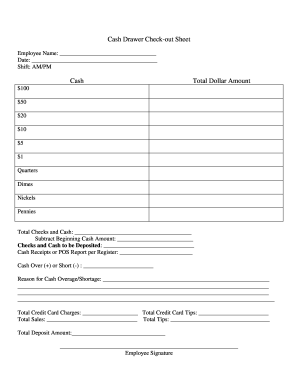
Cash drawer reconciliation template
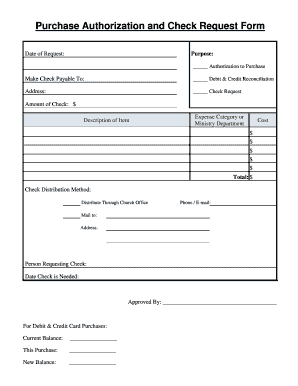
Church accounting forms
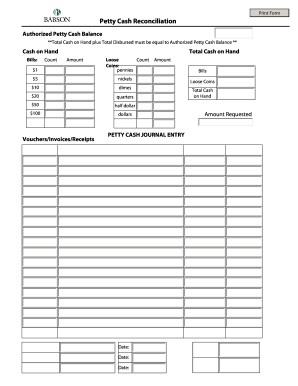
Petty cash template
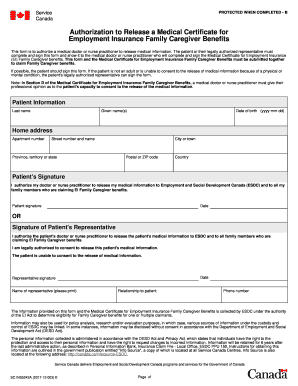
Ins5242a
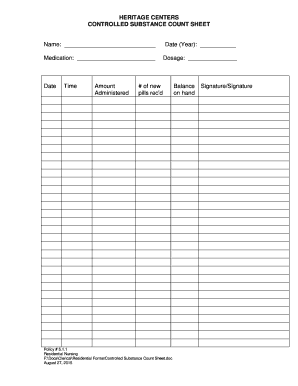
Printable narcotic count sheet
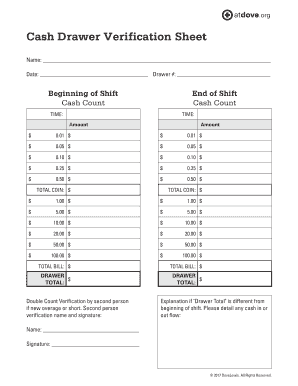
Cash drawer verification sheet
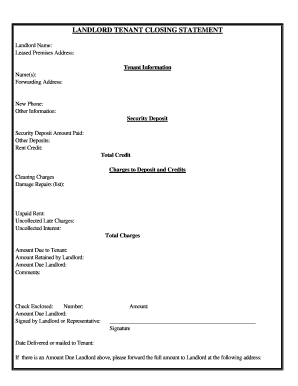
Arizona Landlord Tenant Closing Statement to Reconcile Security Deposit

Reconciliation worksheet

Checkbook worksheet form blank
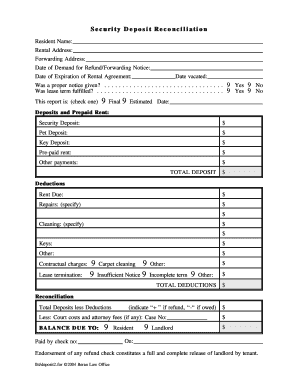
Security Deposit Reconciliation - Beran Law
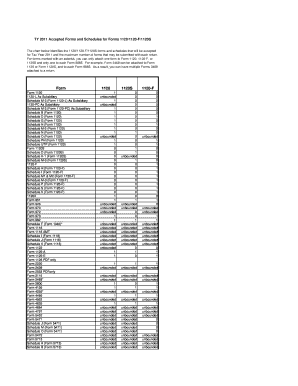
Irs 1120 f

Calculate reconcile your checkbook answer key
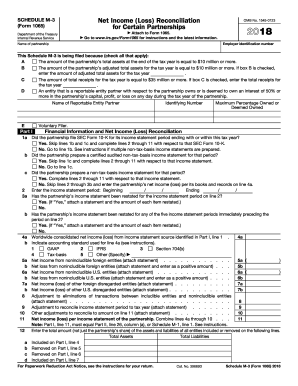
2017 schedule m 3

Form 1120 2018
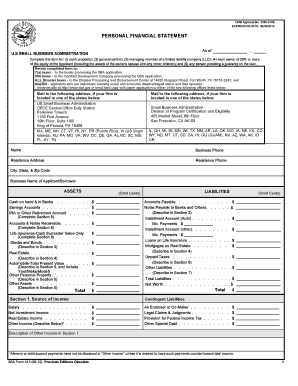
Sba personal financial statement form 5 12
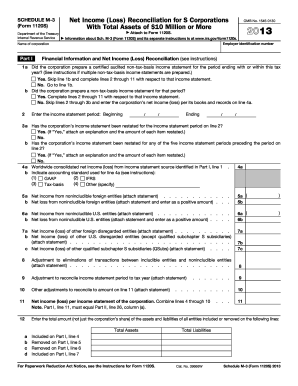
2013 Form 1120 S Schedule M-3.Net Income (Loss) Reconciliation for S Corporations With Total Assets of $10 Million or More
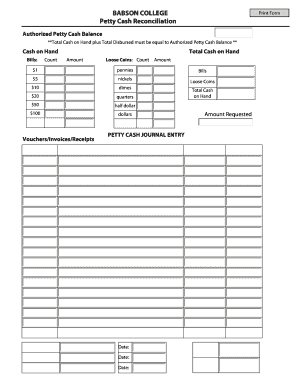
Cash reconciliation
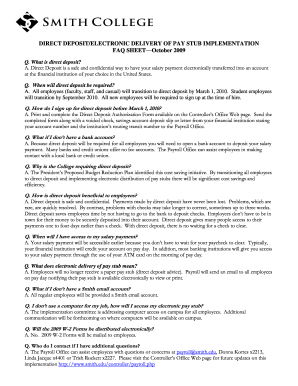
Deposit electronic sheet
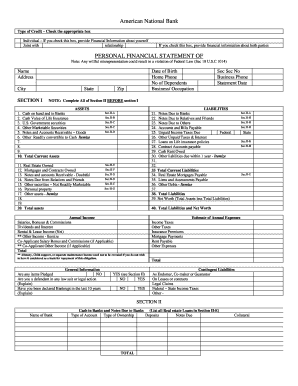
Personal Financial Statement - American National Bank
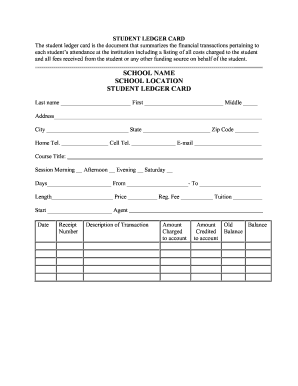
Student ledger template
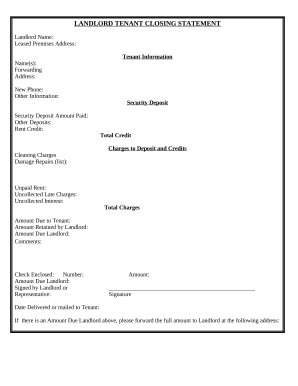
Landlord Tenant Closing Statement to Reconcile Security Deposit - Hawaii
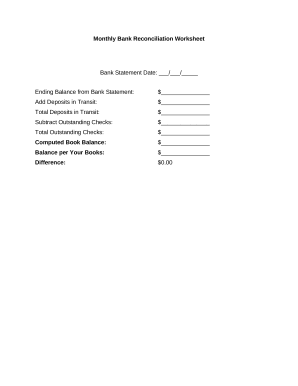
Bank reconciliation worksheet
Irs form 1065 instructions 2018
Sales reconciliation
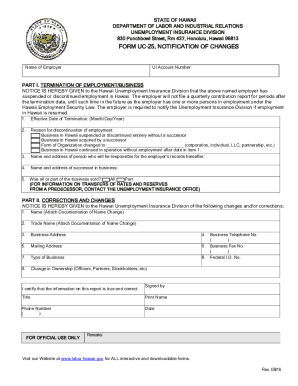
D2l2jhoszs7d12.cloudfront.netstateHawaiiINSTRUCTION SHEET FOR FORM UC-25, NOTIFICATION OF CHANGES
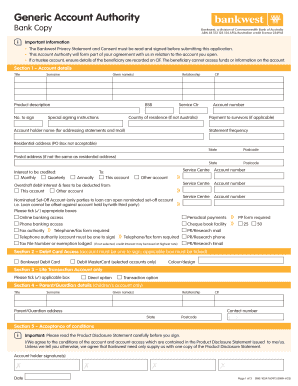
Generic Account Authority form - Bankwest
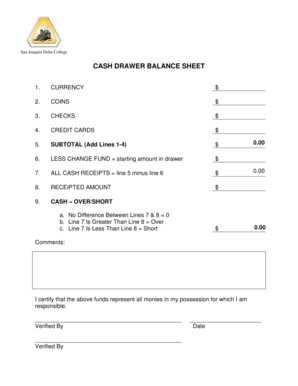
Cash drawer balance sheet
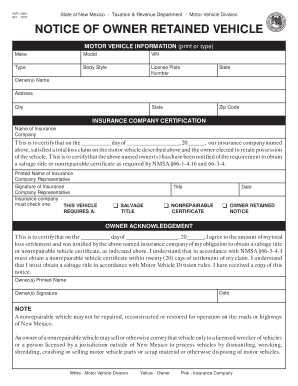
Retained vehicle
Handle Account reconciliation Balance Sheet Templates easily online
Document managing can stress you when you can’t find all of the documents you need. Luckily, with DocHub's extensive form library, you can discover all you need and easily deal with it without the need of changing between apps. Get our Account reconciliation Balance Sheet Templates and start utilizing them.
Using our Account reconciliation Balance Sheet Templates using these basic steps:
- Check Account reconciliation Balance Sheet Templates and select the form you need.
- Preview the template and click on Get Form.
- Wait for it to open in our online editor.
- Change your template: include new information and images, and fillable fields or blackout some parts if necessary.
- Fill out your template, preserve adjustments, and prepare it for delivering.
- When ready, download your form or share it with other contributors.
Try out DocHub and browse our Account reconciliation Balance Sheet Templates category without trouble. Get a free profile right now!
Video Guide on Account reconciliation Balance Sheet Templates management

Commonly Asked Questions about Account reconciliation Balance Sheet Templates
What is the format of ledger reconciliation in Excel?
A reconciliation account ledger format in excel is used to compare and match financial data from two or more ledger accounts. It usually has columns for account names, balances at the start, transactions, adjustments, and balances at the end, and an area for analysing differences.
How to reconcile a balance sheet template?
How to Reconcile Balance Sheet Accounts: 6 Key Steps Step 1: Identify the accounts to be reconciled. Step 2: Gather the necessary account information. Step 3: Compare the information. Step 4: Investigate any differences. Step 5: Make adjustments to the general ledger. Step 6: Complete account reconciliation and document.
What is the format of reconciliation in Excel?
VLOOKUP, SUMIF and COUNTIF are the three reconciliation Excel formulas. First, VLOOKUP can locate values in a table and return the value based on the number of columns. It is useful if you reconcile an amount recorded in two financial registers. Then SUMIF adds the amount from found values in a range.
What is reconciliation in accounting format?
What is a Reconciliation Statement Format? A reconciliation statement is a critical financial document that helps businesses ensure the accuracy and integrity of their bank account transactions. It compares the balances of the businesss accounting records, such as the cash book and the corresponding bank statements.
How do we do balance sheet reconciliation?
How to Reconcile Balance Sheet Accounts Identify the accounts that need to be reconciled: First, we need to identify which accounts need to be reconciled. Gather Supporting Documentation: Compare Balances: Categorize Variances: Resolve Issues: Document Findings:
How to reconcile GL accounts in Excel?
How to prepare a general ledger reconciliation Compare beginning and ending account balances. Reconcile accounts to the general ledger. Create correcting entries. Prepare adjusting entries. Run reports.
Does Excel have a bank reconciliation template?
Our free, customizable bank reconciliation Excel template helps you match financial data on your bank statement and cash book and identify mismatches and erroneous entries.
Related Templates
List any and all names, nicknames or aliases you have used in the past:
The document is an employee information sheet for massage establishment applicants from the Riverside Police Department. ...
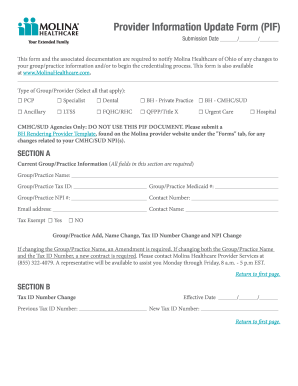
Molina healthcare provider forms
The document is a comprehensive guide for healthcare providers on how to update their information with Molina Healthcare ...
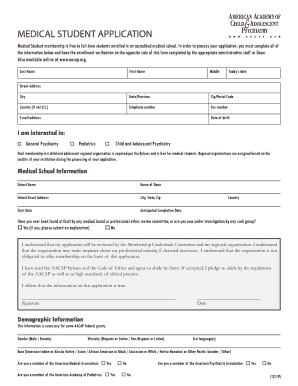
Medical Student Members - American College of Surgeons
The document is an application form for medical students seeking free membership in the American Academy of Child & Adol ...
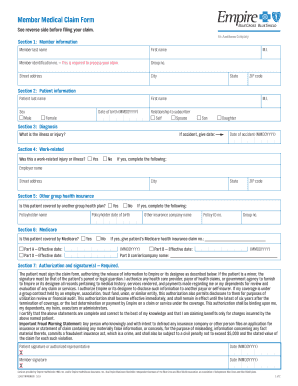
Empire bcbs form
The document is a Member Medical Claim Form used to file claims for medical services when the healthcare provider does n ...
Health Records Release Authorization - The Ohio State
The document is an authorization form for the release of health information from the Ohio State University Student Healt ...

Veterinarian Professional Liability Insurance Application
The document is an application for Veterinarian Professional Liability Insurance provided by Safehold Special Risk, Inc. ...

(the Act), there are certain procedures that must be undertaken in order to verify your identity
(the Act), there are certain procedures that must be undertaken in order to verify your identity
The document outlines the application process for the American Express Corporate Card, detailing mandatory employee info ...
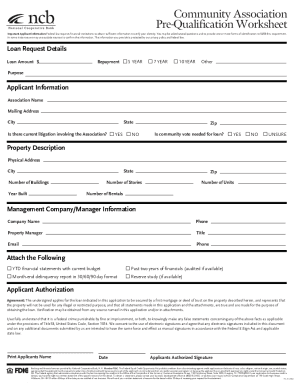
Impact ncb coophubfsassetsCommunity Association Pre-Qualification Worksheet
The document is a pre-qualification worksheet for a loan application by a community association, outlining necessary app ...