
Bn Application Forms
Get and load Bn Application Forms to simplify your application submission procedure. Select from a variety of different ready-made forms and effortlessly adjust them in DocHub online editor.

Create a new Bn Application Form
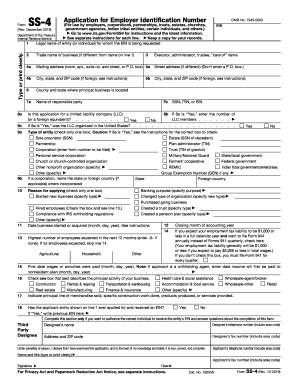
Ss4 form
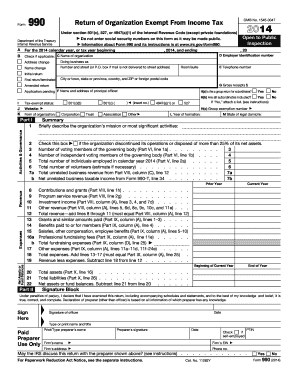
Irs form 990 2014
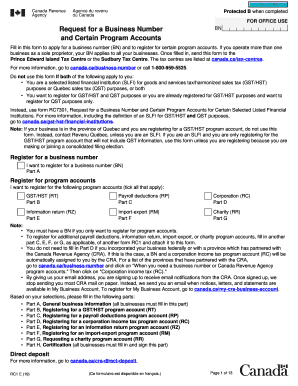
Rc1 form

Cac registration form
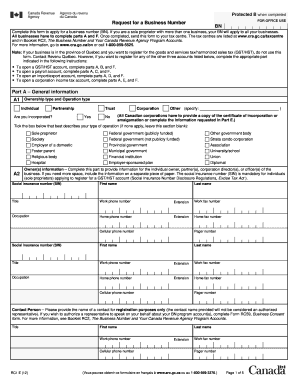
Canada ca rc1

Dti form for business
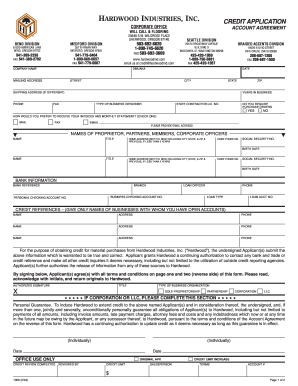
Fillable credit application form
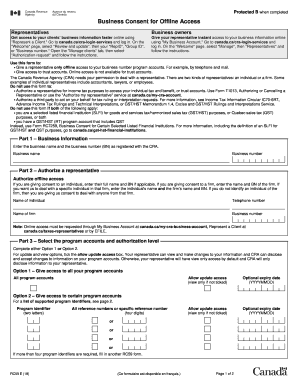
Rc59
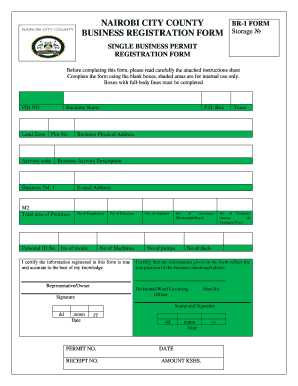
Nairobi county business permit
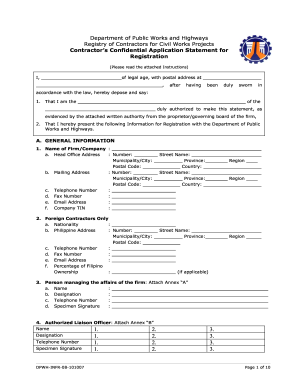
Crc dpwh
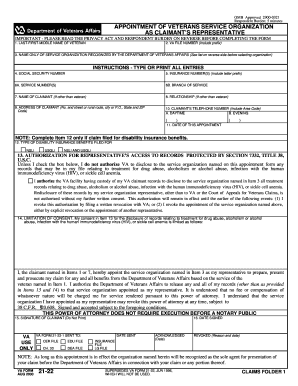
Crpf battalion list pdf 2000 form
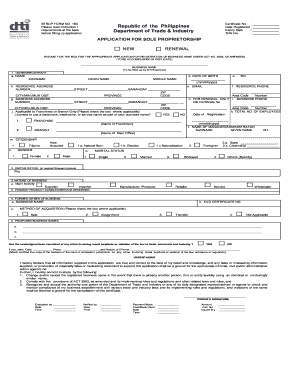
Dti registration online application
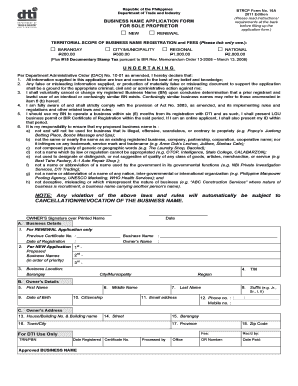
Dti registration form
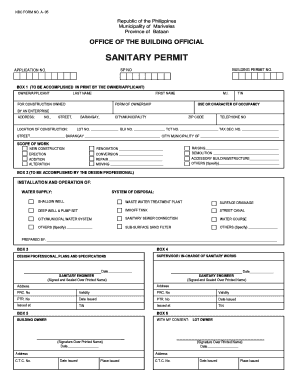
Sanitary permit sample
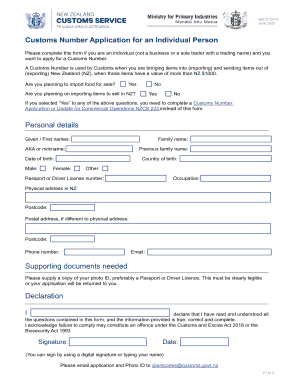
Customs number application for an individual person
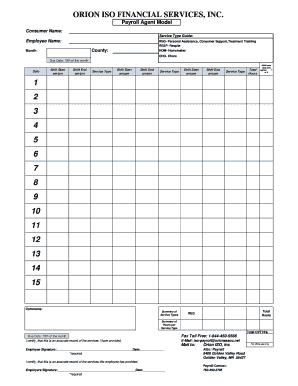
Orion forms

Bn1 form
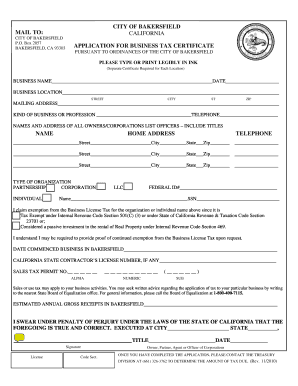
Business tax certificate
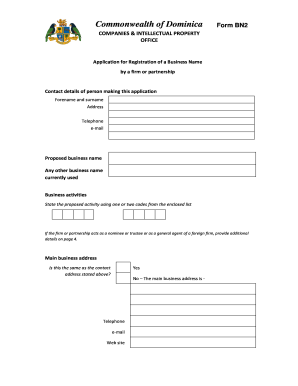
Bn 2 form
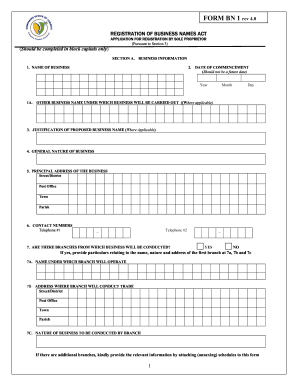
Bn1 form

Nh state employment application
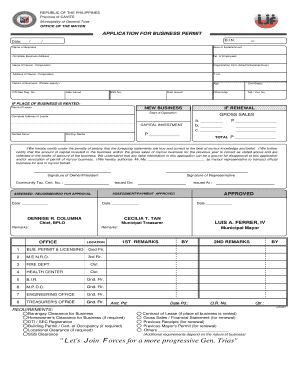
Lessors permit
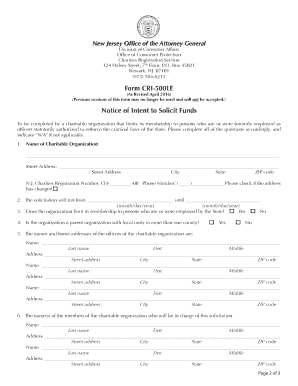
Cri 500le

Online application for jamaica defence force 2012 form
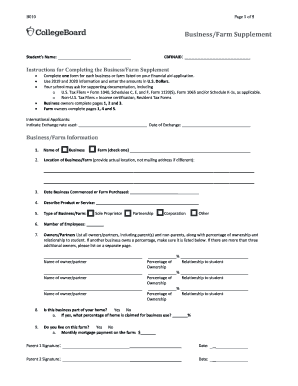
Business farm supplement 2021 22
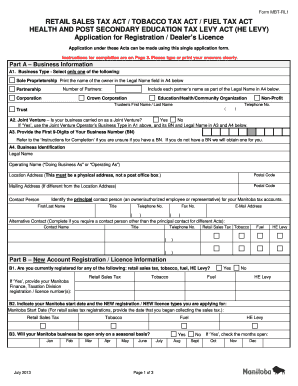
Mbt rl1 2013 form

Blue badge conwy

Rc1 e fillable form
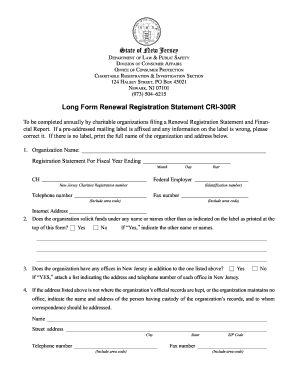
Cri 300r form
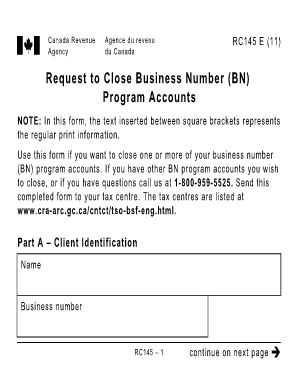
Rc145
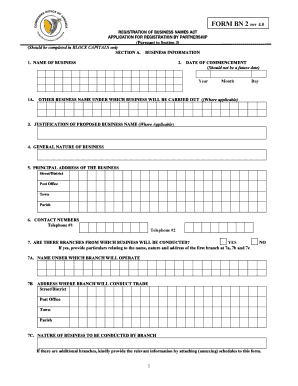
How to fill bn2 form kenya
Automotive financial credit application
BN 1396-01 Laboratory Request Form - Boone Hospital Center
Hawaii u 6 2016 form
Reassignment questionnaire jblm

BN 2 FORM Rev 01 2011
-
1
- 2
Get and handle Bn Application Forms online
Improve your file operations with the Bn Application Forms category with ready-made document templates that suit your requirements. Get the form template, modify it, complete it, and share it with your contributors without breaking a sweat. Start working more effectively together with your forms.
How to use our Bn Application Forms:
- Open our Bn Application Forms and look for the form you need.
- Preview your document to ensure it’s what you want, and click Get Form to start working on it.
- Alter, include new text, or point out important information with DocHub features.
- Fill out your form and preserve the adjustments.
- Download or share your form template with other recipients.
Discover all of the possibilities for your online document administration with the Bn Application Forms. Get a free free DocHub profile right now!
Video Guide on Bn Application Forms management

Commonly Asked Questions about Bn Application Forms
How to close a DTI permit in the Philippines?
DTI Permit Closure Philippines Notify the DTI: Submit a letter of closure to the DTI to inform them of the cessation of your business operations. Settle Tax Obligations: Ensure that all tax responsibilities are fulfilled, including filing a final tax return with the BIR.
How to close business in local government unit?
Submit Documents: Submit all required documents, which may include the original business permit, tax receipts, clearance certificates from various government bodies, and the notification letter to the local government unit (LGU). Receive Closure Confirmation: After processing, the LGU will issue a closure confirmation.
Can I change the owner of DTI?
No. Transfer of ownership is not allowed. You must cancel your old BN registration then apply for a new one under the new ownership.
Does DTI have expiration?
Your DTI business name registration is valid for five (5) years from the date of registration. You can also check out BNRS DTIs new business name registration video guide.
How to get a certificate of authority to engage in business in the Philippines?
Those who prefer to register in person must go through the following process: Proceed to any DTI office or Negosyo centers near you. Submit all the documentary prerequisites. Pay for the registration fee. Once your business name is approved wait for the Certificate of Business Name Registration issued by DTI.
How to cancel DTI registration in Philippines?
Steps to Cancel Your DTI Registration Step 1: Prepare the Necessary Documents. Step 2: Visit Your Nearest DTI Office. Step 3: Settle Any Outstanding Obligations. Step 4: Receive Your Cancellation Notice.
Related Templates
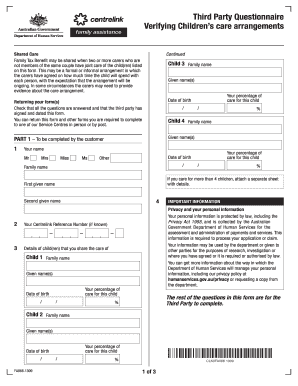
Third Party Questionnaire - Verifying Children 's care arrangements - humanservices gov
The document is a Third Party Questionnaire designed to verify children's care arrangements for the purpose of assessing ...
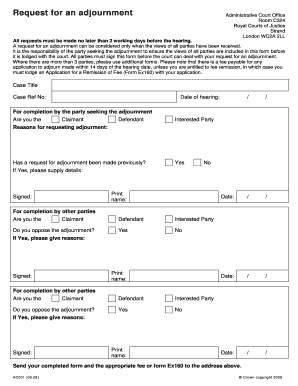
Request for an adjournment - HMCTS Court and tribunal form finder
The document is a request form for an adjournment in the Administrative Court, outlining the procedure for submitting su ...

Relationship growth activity
The document outlines a 'Relationship Growth Activity' designed to enhance understanding and connection between partners ...
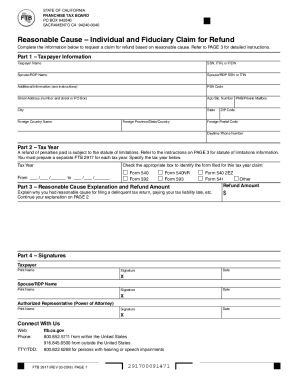
State of california franchise tax board - tax information center
The document is a form (FTB 2917) from the California Franchise Tax Board that allows individuals and fiduciaries to req ...

The RCH Specialist Clinics are - The Royal Children's
The document provides guidelines for referring patients to the RCH Specialist Clinics, including necessary referral deta ...

Distinguished Veteran Pass Application (DPR619 Revision 2 2023)
The document outlines the application process for the Distinguished Veteran Pass, which is available to eligible Califor ...
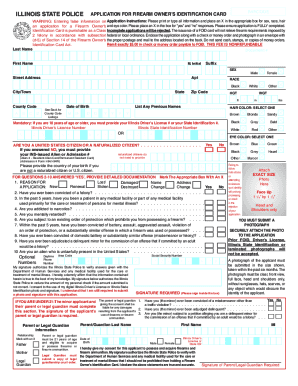
Illinois Firearm Owner s Identification Card Application
The document is an application form for obtaining a Firearm Owner's Identification (FOID) Card in Illinois. It requires ...

SketchUp Pro Quick Reference Card Windows
The document is a Quick Reference Card for SketchUp Pro on Windows, providing a comprehensive list of tools and commands ...