
Adp job Application Forms
Track and maximize your Adp job Application Forms handling. Easily locate, preview, and complete documents for individual and corporate use with DocHub free account.

Create a new Adp job Application Form
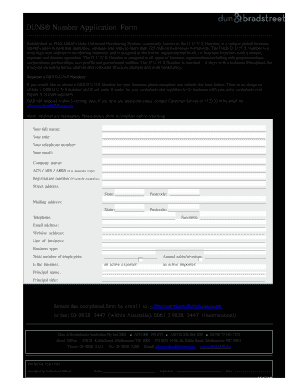
Form application
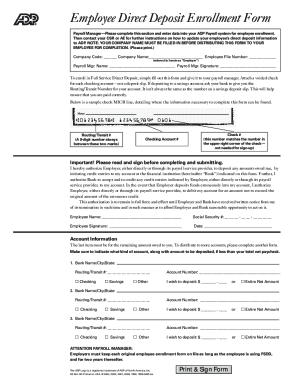
Adp direct deposit form
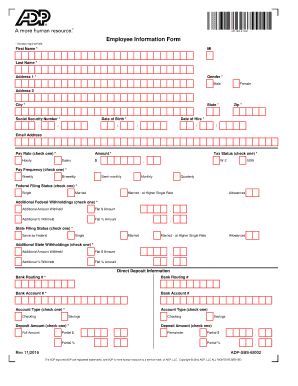
Adp employee information form
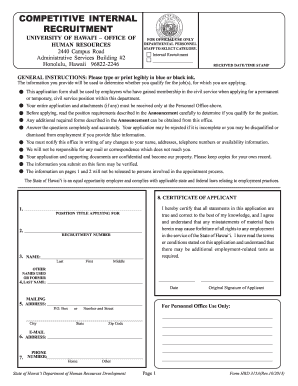
Form hrd 315a competitive internal recruitment
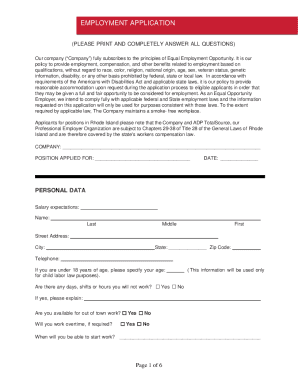
Adp employment application
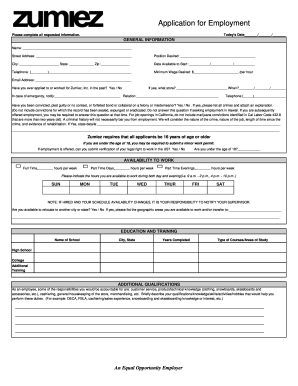
Zumiez application
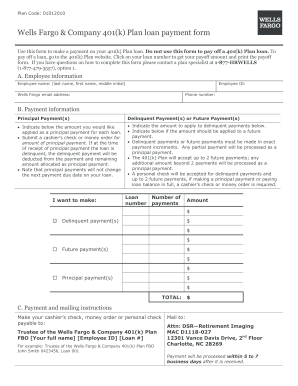
401k loan payment form
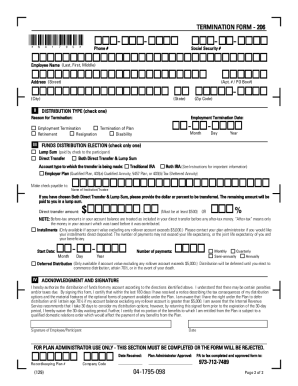
Adp termination form
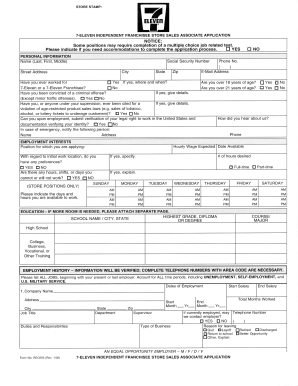
7 11 application
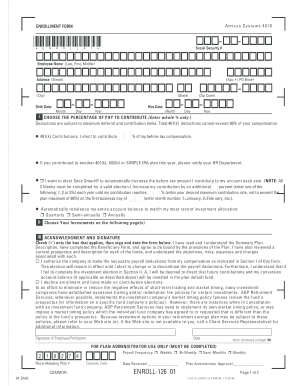
Adp 401k withdrawal form
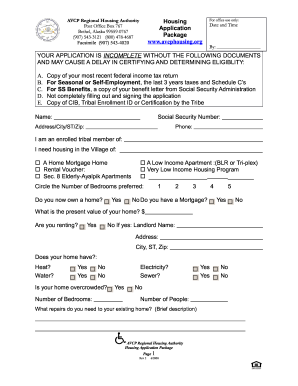
Avcp housing
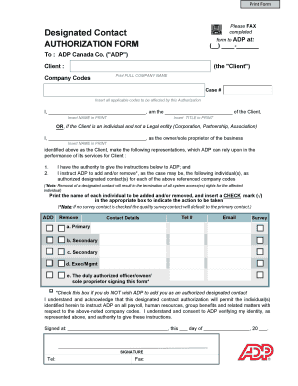
Please Designated Contact - ADP Canada
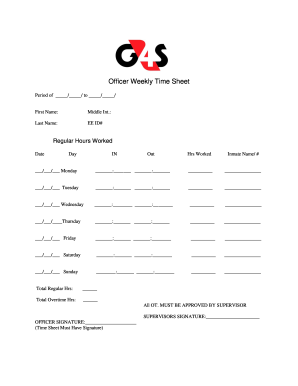
G4s timesheet

Sodexo w2 online
Adp forms
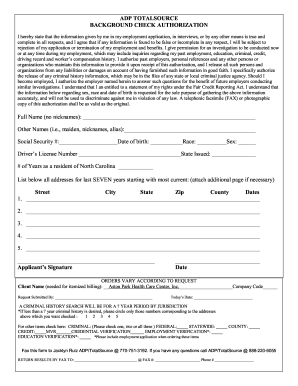
Adp background check

New Account Setup Form Download - Ark Pharm, Inc.
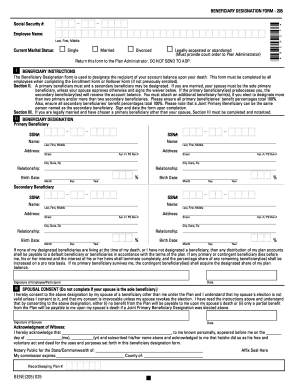
Adp nj crs

Dgdp form

Adp garnishment fax number

Adp stop payment
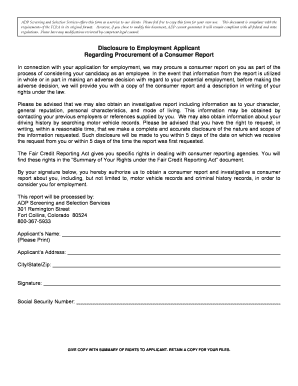
Background check disclosure and authorization form adp

Paychex employee information form
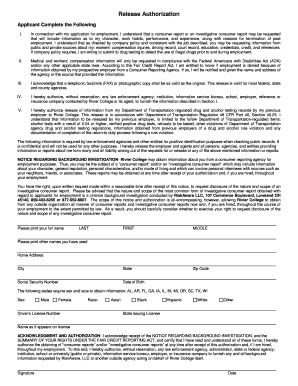
Adp sass

Planet fitness application form
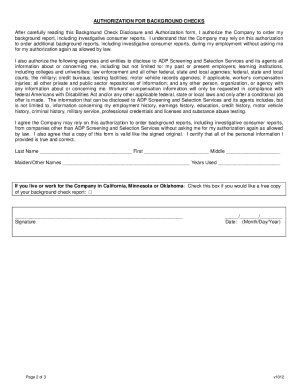
Adp background check authorization form
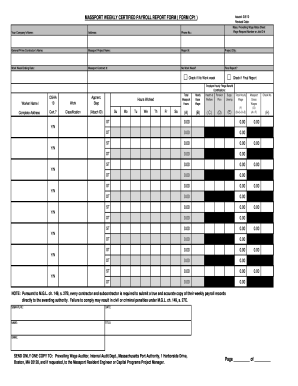
Certified payroll reporting form

Form 1235

G4s direct deposit setup
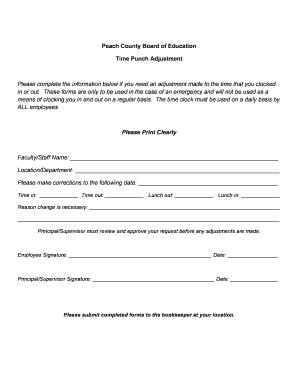
Missed punch form
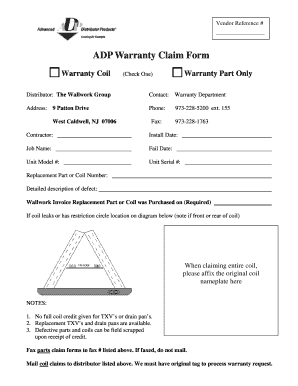
Adp warranty claim form
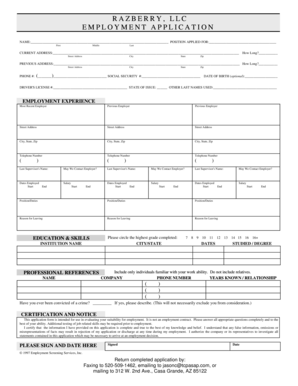
Employment Application - AZ Cleaning Service
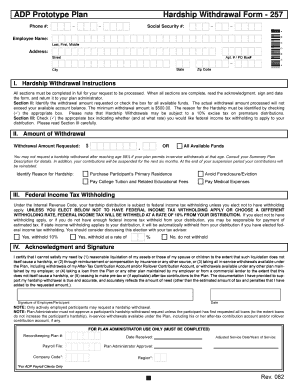
Adp hardship withdrawal form

Application Forms - Lesedi Local Municipality

Adp llc third
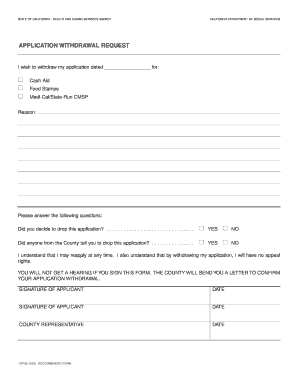
How to withdraw calfresh application
Get and manage Adp job Application Forms online
Boost your form operations with our Adp job Application Forms online library with ready-made templates that suit your requirements. Get your document template, change it, complete it, and share it with your contributors without breaking a sweat. Begin working more effectively with the forms.
The best way to use our Adp job Application Forms:
- Open our Adp job Application Forms and look for the form you want.
- Preview your document to ensure it’s what you want, and click on Get Form to start working on it.
- Modify, include new text, or highlight important information with DocHub tools.
- Complete your form and save the changes.
- Download or share your document template with other people.
Examine all of the possibilities for your online file management with the Adp job Application Forms. Get your free free DocHub account today!
Video Guide on Adp job Application Forms management

Commonly Asked Questions about Adp job Application Forms
How do I set up ADP as an employee?
To register, do the following. From the Login Page, select First Time User? Register Here. Begin Registration. Verify Identity. Get User ID and Password. Select Security Questions and Answers. Enter Contact Information. Enter Activation Code. Review and Submit your information.
How do I set up a new employee in ADP?
Under the Employee heading on the Maintenance page, click the Employee Positions (or Employees) link. On the right side of the page, select Add New Employee from the Actions drop down list. In the Employee ID field, enter the employees ID.
What is an ADP application?
ADP Mobile Solutions is a self-service mobile app that lets employees access work records such as pay, schedules, timecards, retirement funds, benefits and calendars.
How to view applications on ADP?
1 Register or log in to the Career site. 2 Click your Name at the top of the page. 3 Select Applications History to view the status of your job applications.
Do you have to have an application on file for employees?
Employment applications are an essential part of the hiring process, but it is important that the form is drafted carefully and complies with all relevant federal, state, and local laws.
Why do employers use ADP?
Effortless payroll and HR, for companies of all sizes and complexities. From solo entrepreneurs to enterprise-level entities, ADP solutions help businesses tackle their most pressing HR and payroll challenges.
What is ADP application used for?
With ADP Mobile Solutions, employees can access a wealth of features including benefits plan information, retirement accounts, pay card transactions and employee contact information.
What exactly does ADP do?
We are a comprehensive global provider of cloud-based human capital management (HCM) solutions that unite HR, payroll, talent, time, tax and benefits administration, and a leader in business outsourcing services, analytics and compliance expertise.
Related Templates
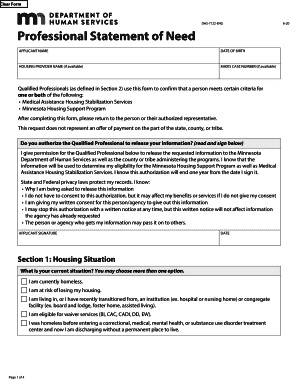
Professional statement of need mn
The document is a form (DHS-7122-ENG) used by Qualified Professionals to confirm an individual's eligibility for Medical ...
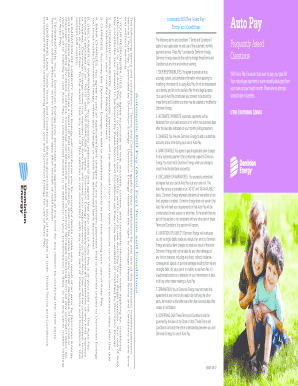
Dominion energy bill template
The document outlines the Terms and Conditions for Dominion Energy's Automatic Bill Pay (Auto Pay) service. It details u ...

Cgc Submission Form Pdf - Fill Online, Printable, Fillable
The document is a Comics Submission Form for CGC (Certified Guaranty Company), detailing the process for submitting comi ...

Click here for Statement of Claim for Lost or - Moving Claim Services
The document is a claim form for lost or damaged goods related to moving services, provided by Moving Claim Services. It ...
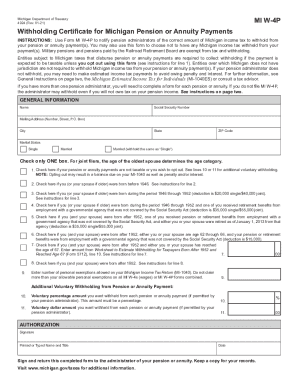
Michigan W-4P Withholding Certificate
The document is the MI W-4P form, a Withholding Certificate for Michigan Pension or Annuity Payments. It is used by indi ...

1121-0292: Approval Expires 08 31 2024
The document is a form from the U.S. Department of Justice, specifically the Bureau of Justice Statistics, designed to c ...

Plan 990060 000001
The document is a Hardship Withdrawal Form for the Joint Annuity Fund of Local Union No. 164, I.B.E.W., allowing partici ...

Audiotec fischer dsp tool manual
The document provides comprehensive operating instructions for the HELIX DSP PC-Tool software, detailing system requirem ...