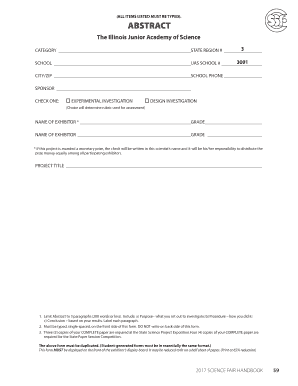
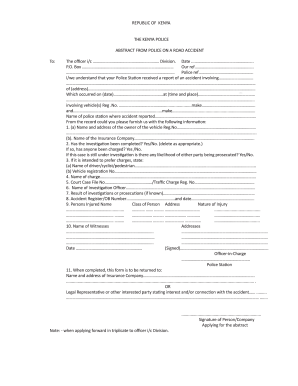
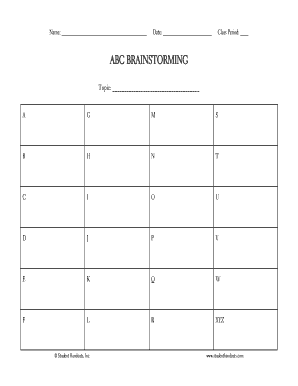
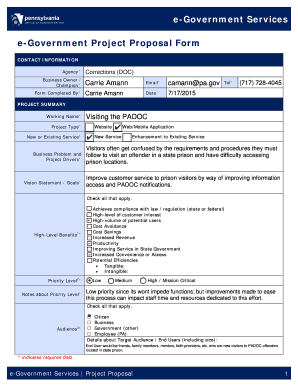
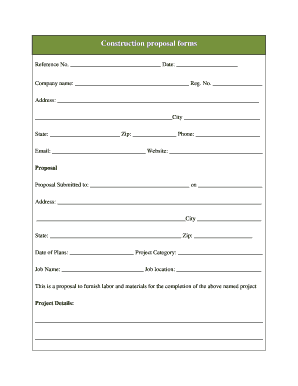
Business report Abstract Templates

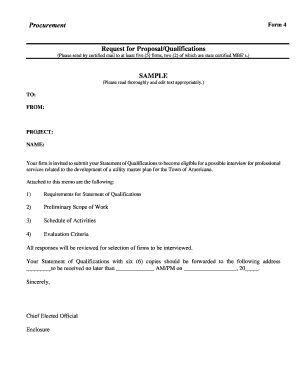
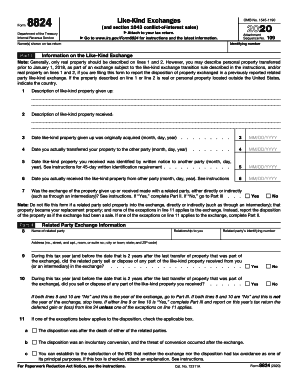
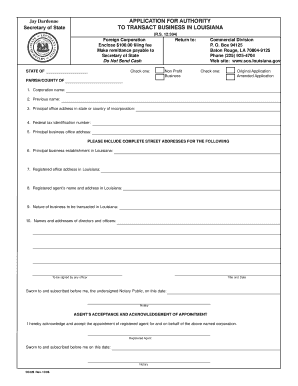
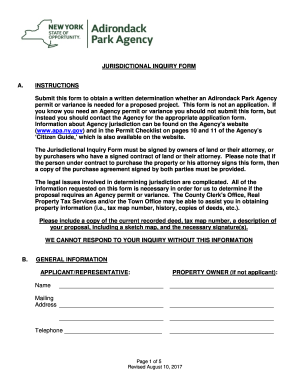
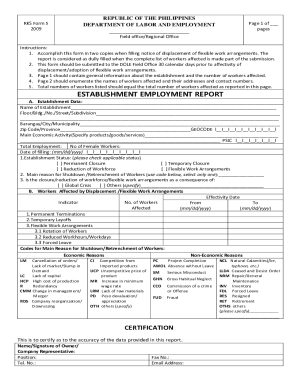
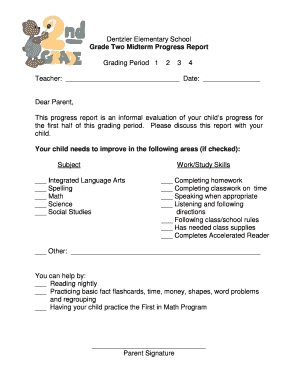
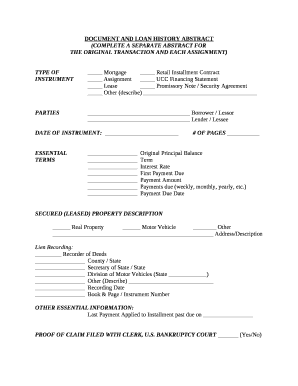
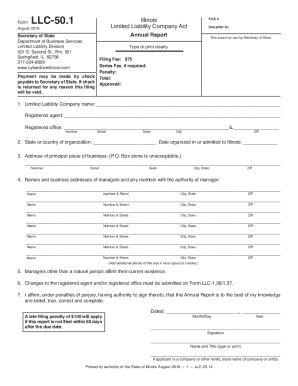
Discover easy-to-customize Business report Abstract Templates and choose the right document for your process. Build proposals and preserve your effort searching for the appropriate form.

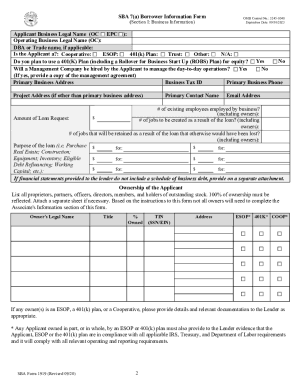
Raise your output with Business report Abstract Templates

Papers managing takes up to half of your business hours. With DocHub, it is possible to reclaim your time and effort and improve your team's productivity. Get Business report Abstract Templates online library and investigate all form templates relevant to your day-to-day workflows.

Easily use Business report Abstract Templates:

  1. Open Business report Abstract Templates and apply Preview to get the suitable form.
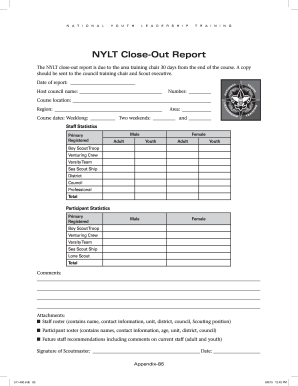
  2. Click on Get Form to begin working on it.
  3. Wait for your form to upload in the online editor and begin modifying it.
  4. Add new fillable fields, symbols, and pictures, modify pages order, and many more.
  5. Fill your form or set it for other contributors.
  6. Download or share the form by link, email attachment, or invite.

Improve your day-to-day file managing with our Business report Abstract Templates. Get your free DocHub account today to explore all forms.


Video Guide on Business report Abstract Templates management

video background

Commonly Asked Questions about Business report Abstract Templates

Report templates allow you to drive a consistent framework for reporting so everyone is measuring, iterating, and improving your processes based on the same metrics. Your recruiting teams can save time by using report templates, rather than having to create reports from scratch.
Components of a Business Report Methods. Findings. Research. Analysis. Graphs.
A typical business report uses the following format and layout: Use a clearly legible font and font size (Times New Roman is the most common font and 12 point is the most common size). Set page margins to around 1 inch/2.5cm. Use 1.5 or double line-spacing.
A business report is an informative document that contains important data such as facts, analyses, research findings, and statistics about a business with the goal to make this information accessible to people within a company.
To generate a report in Microsoft Word, open the template and choose Home Report Create Report. Many of the techniques for working with Word report templates are the same as those discussed previously for analysis workbooks including: Using the wizard to create a new template. Managing the associated data sources.
Here are the steps to take when writing an abstract: Write your paper first. Review the requirements for writing your abstract. Consider your audience and publication. Determine the type of abstract. Explain the problem. Explain your methods. Describe your results. Give a conclusion.
A business report template is a document that outlines how you might structure particular business reports. These often include specific sections where you can add your unique content and customize them based on your needs.
What Are Business Templates? Business templates are ready-made documents. You change just a few details each time you use them. Save the template and, whenever you need to create that type of content, use the template rather than creating it from scratch.