
The easiest way to compress PDF less than 2mb


Your go-to tool to compress PDF less than 2mb
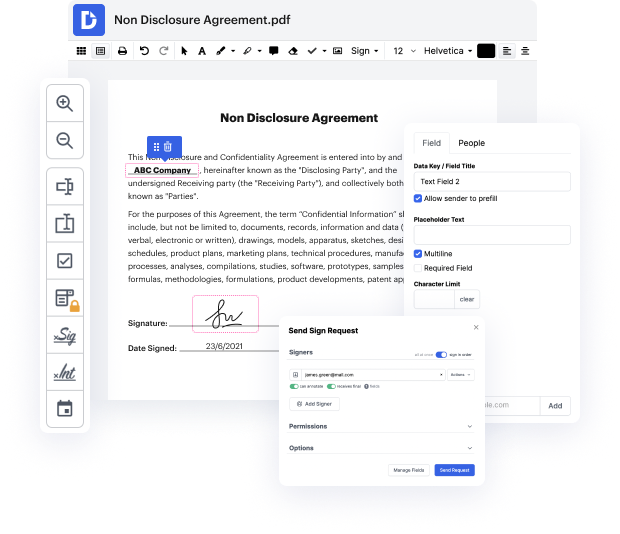
Dealing with documents on a regular basis means that your toolset is always available regardless of the action you need to perform. It is vital to find a comprehensive tool that allows you to do any operation, like compress .PDF less than 2mb, without any additional time or effort put in. By this description, the solution that stands out is DocHub. It is a platform for creating, modifying, revising, and collaborating on documents online. A user’s profile gives you access to all of the essential modifying functions, and its intelligible interface streamlines your way around its functions and features. Simply add your file to compress Portable Document Format less than 2mb and follow the interface tips. All it takes to start working with DocHub is a fast registration.
- Open the DocHub site and click the Sign up button.
- Proceed to the registration and choose the most suitable option: either utilize your current email account or provide an email and make up a new security password.
- Verify the details to finish the registration. Afterward, you will be redirected to your DocHub dashboard. Drag the file from your system to the tab to compress PDF less than 2mb straight away.
- Use editing tools to make more adjustments as needed.
- Complete editing by downloading the file on your device or keeping it in your profile.
Dealing with DocHub tools will make your document flow easy and efficient. Use it in your everyday modifying tasks or collaborate on documents with your team. Discover more tools for more efficient paperwork with DocHub.
PDF editing simplified with DocHub






Drive efficiency with the DocHub add-on for Google Workspace
Got questions about compress2pdf?
How to reduce 5mb to 2MB?
How do I compress a PDF to the smallest size?
How do I reduce a PDF to 3mb?
How do I compress a PDF to reduce MB?
How do I convert my resume to 2MB?
How do I reduce the size of a PDF to 2 MB?
How do I compress a PDF below 2 MB?
How do I reduce a photo to 2MB?
How do I make a file less than 5MB?
See why our customers choose DocHub


Security and compliance
At DocHub, your data security is our priority. We follow HIPAA, SOC2, GDPR, and other standards, so you can work on your documents with confidence.
Learn more


